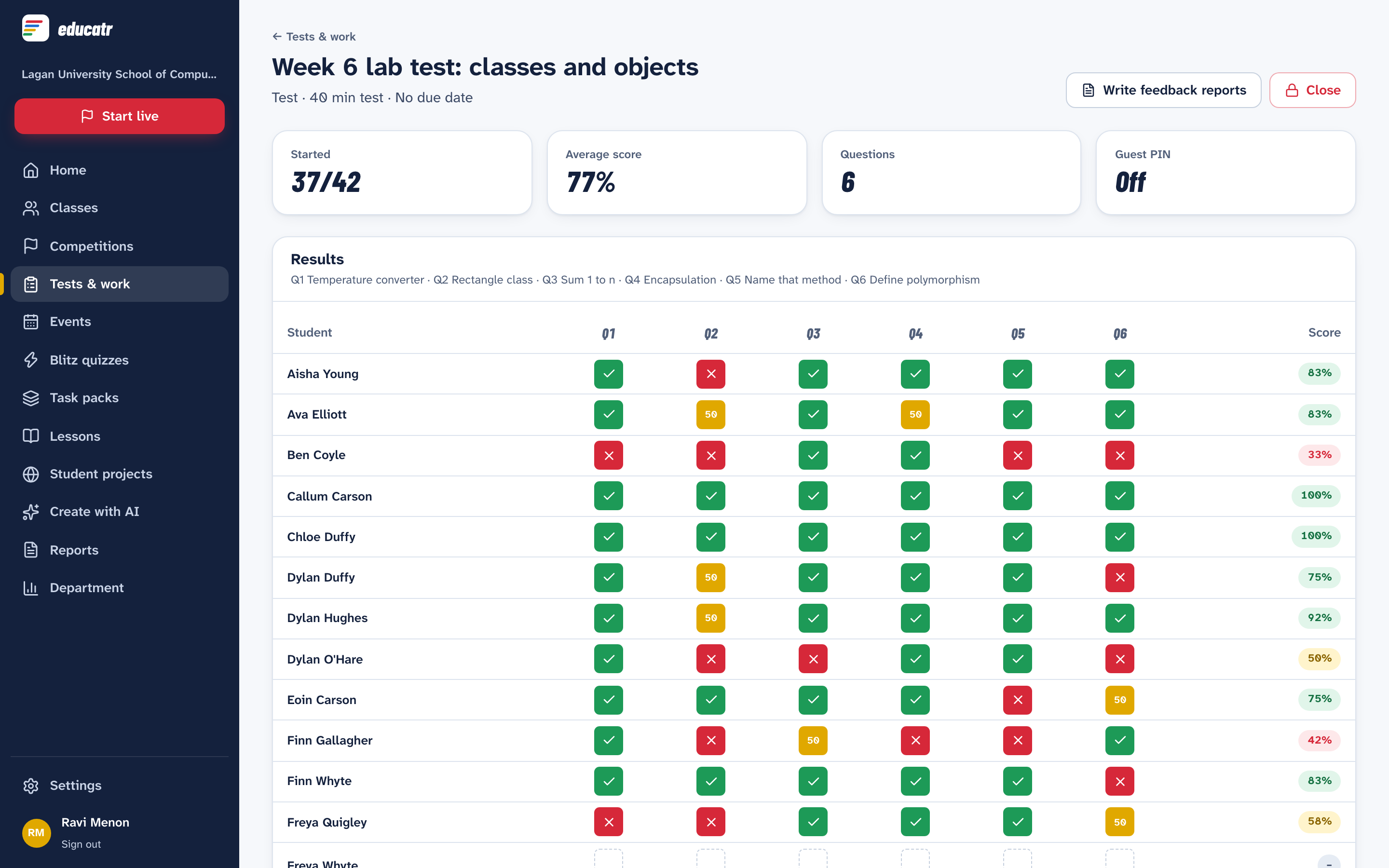
Timed lab tests with hidden tests
Every submission runs against visible and hidden test cases, or a checker program you write (or ask the AI to draft). Students get instant feedback; you get a cohort-wide grid.
- Per-test or per-question timing
- Paste and focus signals for integrity
- Override any mark
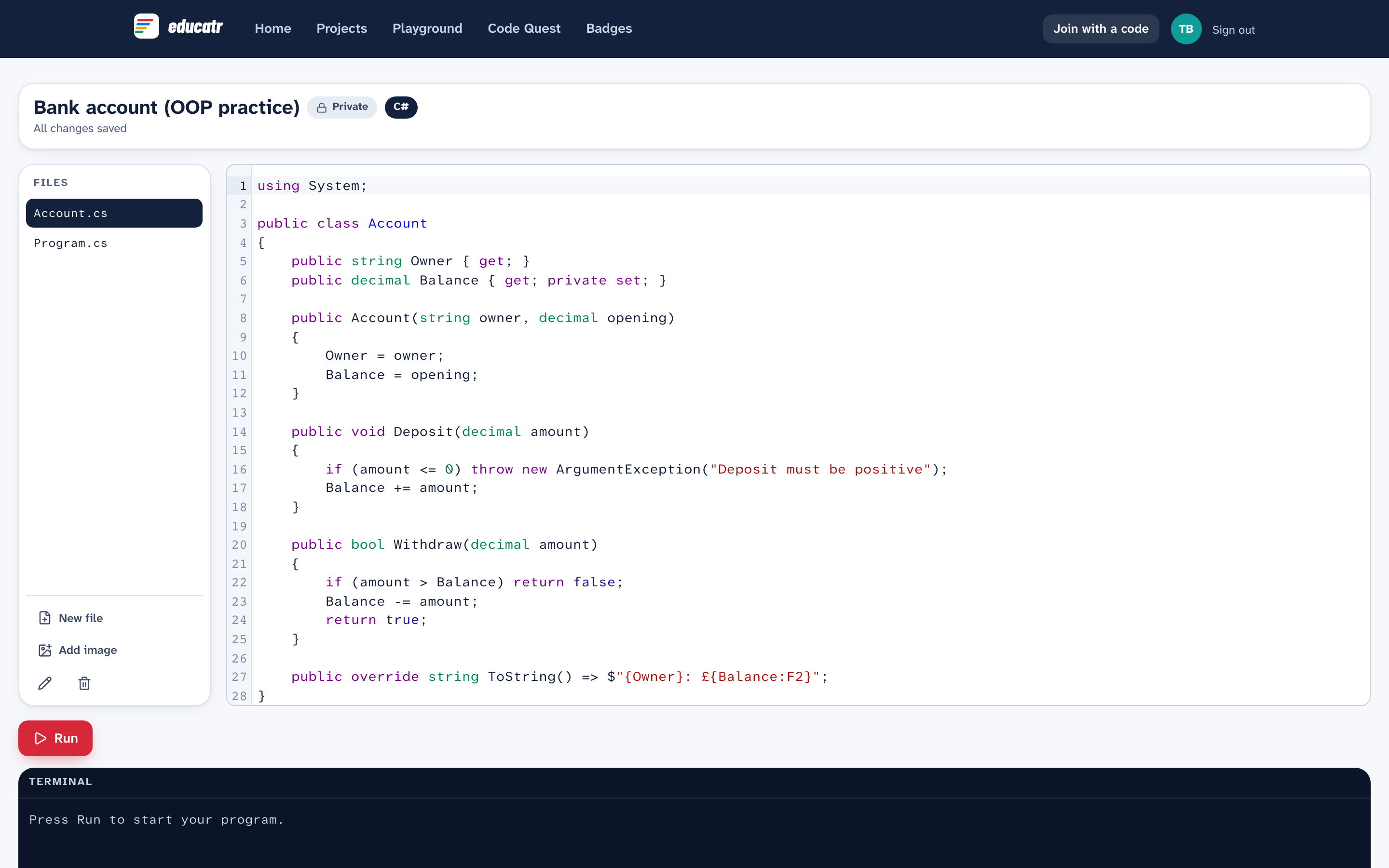
Students' own multi-file projects
Classes in separate files, run together on the server with a terminal. Good for OOP practice between labs.
- C#, Java, Python, C, C++, Go, Rust and more
- Saved as they type
- Lecturers can open any project read-only
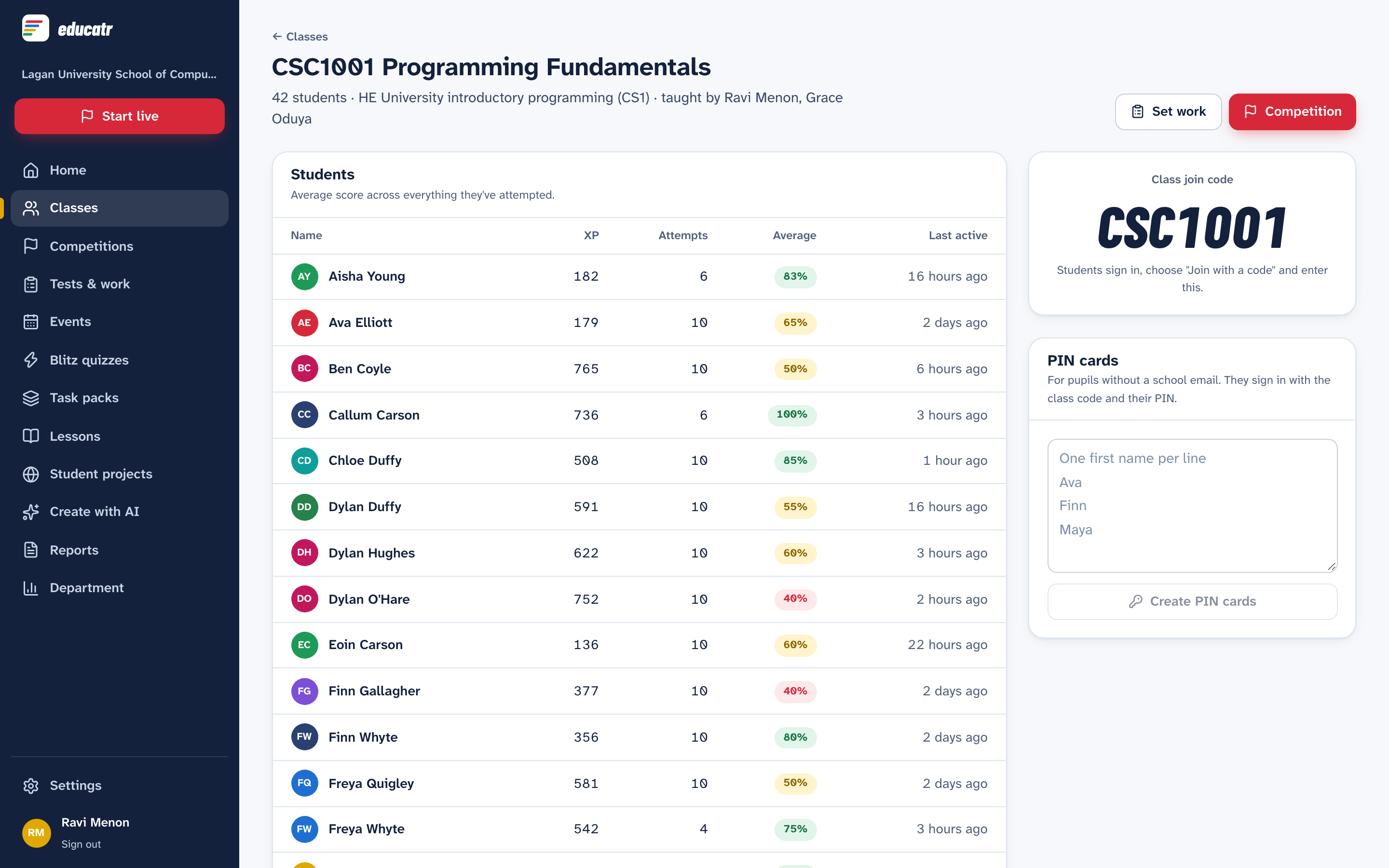
The whole module in one class
Bring in a cohort with a join code, invite colleagues to your organisation, and track activity across the term.
- Join codes and Microsoft sign-in
- Colleagues join with an invite code
- Activity and results per student
Ways to run it
The formats universities use most, shown working with our demo data.
The Arena
A capture-the-flag style race between teams, with the leaderboard, race chart and star performers on the whiteboard.
How it worksTeam play
What pupils see in a competition: the task board, instant marking and their teammates' solves arriving in real time.
How it worksKing of the Hill
Every task is a hill. Solve it to capture it, then keep scoring for every minute you hold it, until another team takes it from you.
How it worksCountdowns and pair roles
Give a competition a countdown, freeze the leaderboard for a tense finish, and have pairs swap between driver and navigator on a timer.
How it worksLeagues
One table across several competitions: a house cup over the year, a termly inter-form league, or an inter-school league with a round each half term.
How it worksCode Golf
Make the program work in as few characters as possible. Every swing runs against the hole's tests, and beating par earns a rosette.
How it worksLessons with checkpoints
Step-by-step lessons with code examples pupils can run, tips, exam tips and checkpoint questions marked as they go.
How it worksTimed tests
One question at a time on a server clock, per question or for the whole test, marked the moment each answer goes in.
How it worksWebsite projects
Pupils build real websites with a live preview beside their code, and can share them with a link when they're proud of them.
How it worksTurtle art and code projects
Programs in any of fourteen languages saved as projects; Python turtle programs draw in a window beside the code.
How it works
Everything in one guide
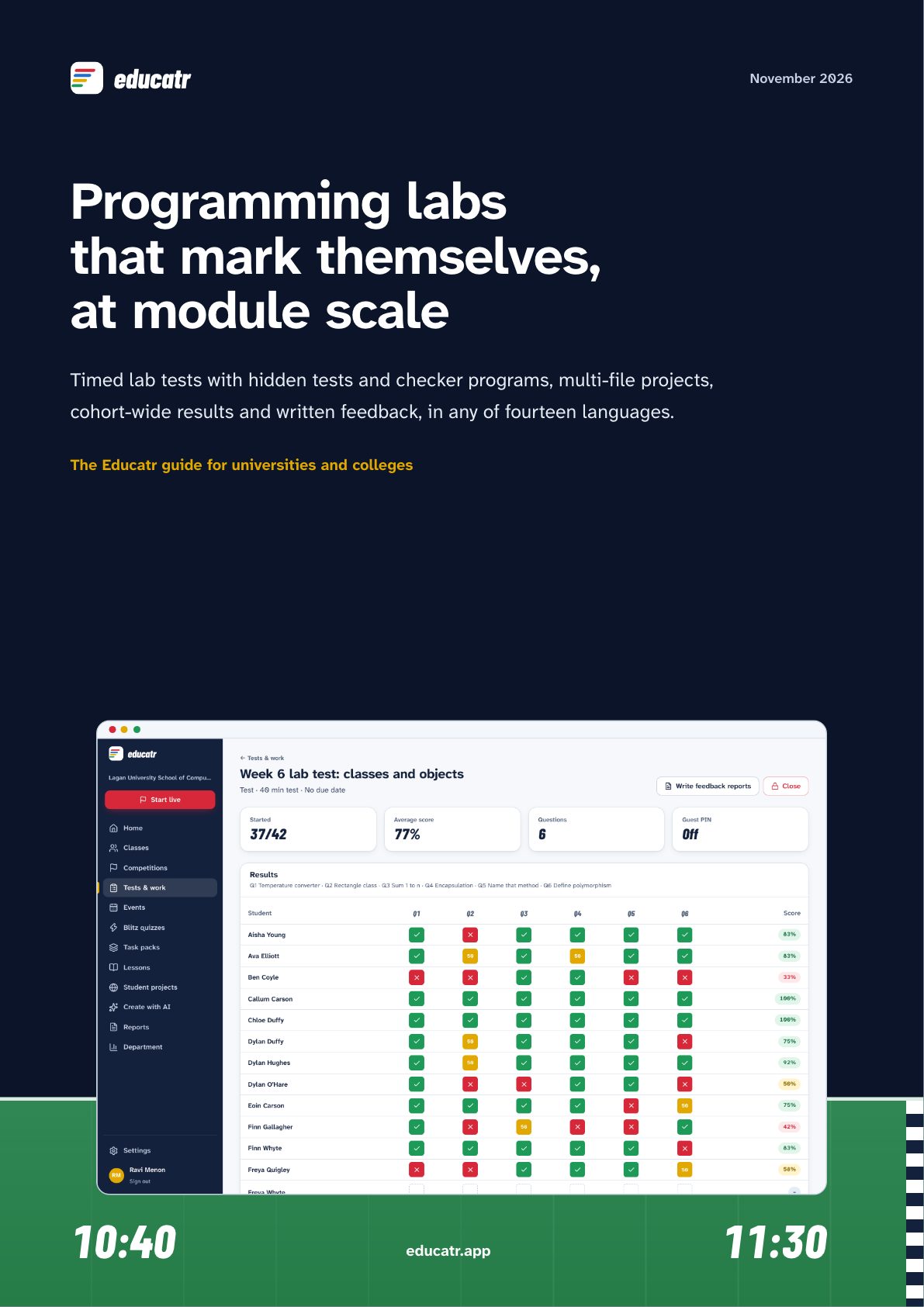
This page shows the highlights. The guide has every feature, a worked example, prices, safety and data protection, and answers to the questions people ask, in a PDF of 14pages you can share with colleagues.
Download the PDF (2.9 MB)Per-student licences for departments, with volume pricing.
Ask for a quoteEducatr is also used by
Screenshots show fictional organisations with illustrative data.