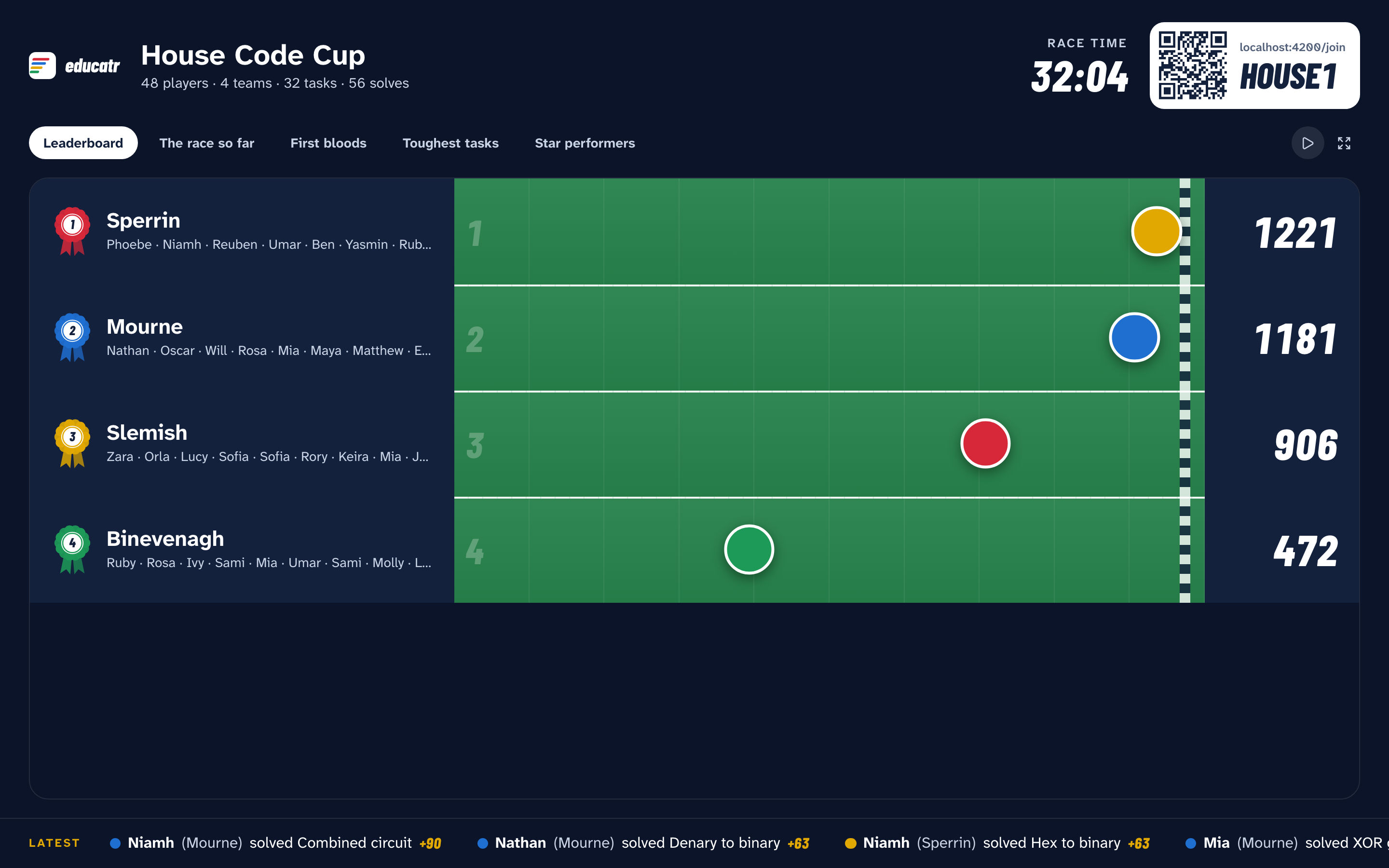
Houses as teams
Set the teams yourself and add pupils from any class. Each house keeps its colour on every screen.
- Teacher-assigned teams
- Pupils join with one code
- Pause, announce, end
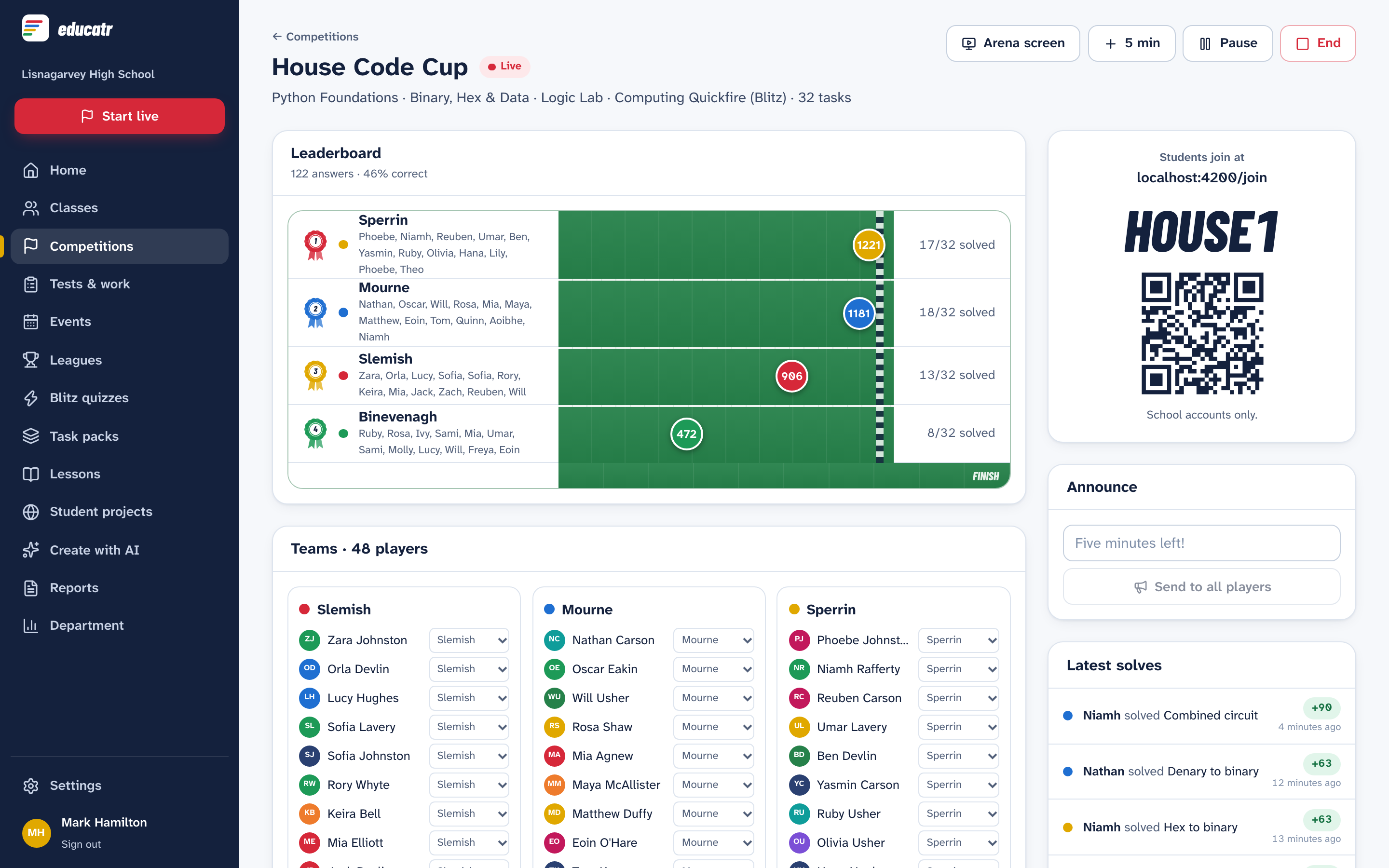
The race so far
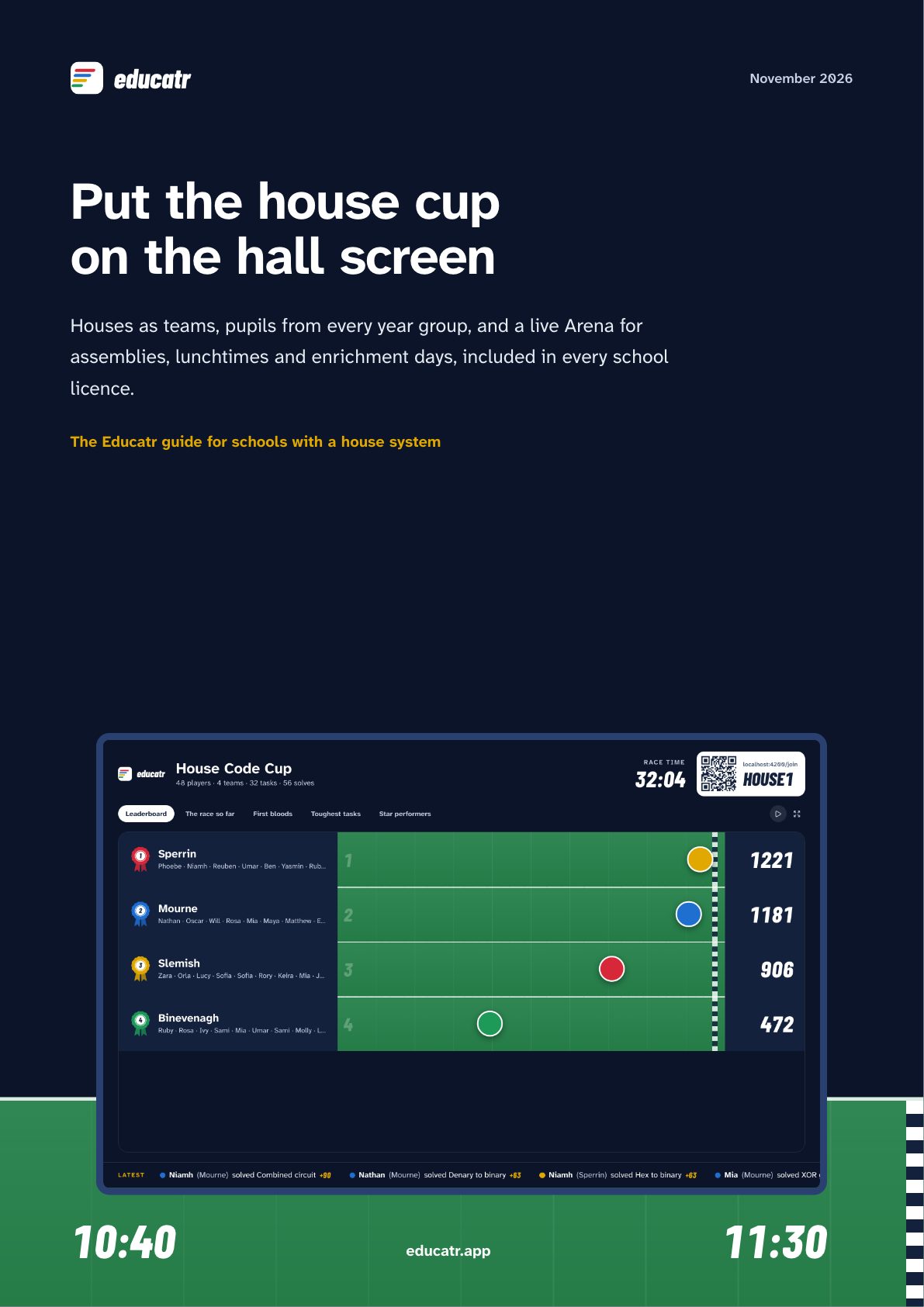
The arena cycles through the leaderboard, the race chart, first bloods and the toughest tasks, so there's always something to cheer.
- Fullscreen on any projector
- Join QR code on screen
- Live solve ticker
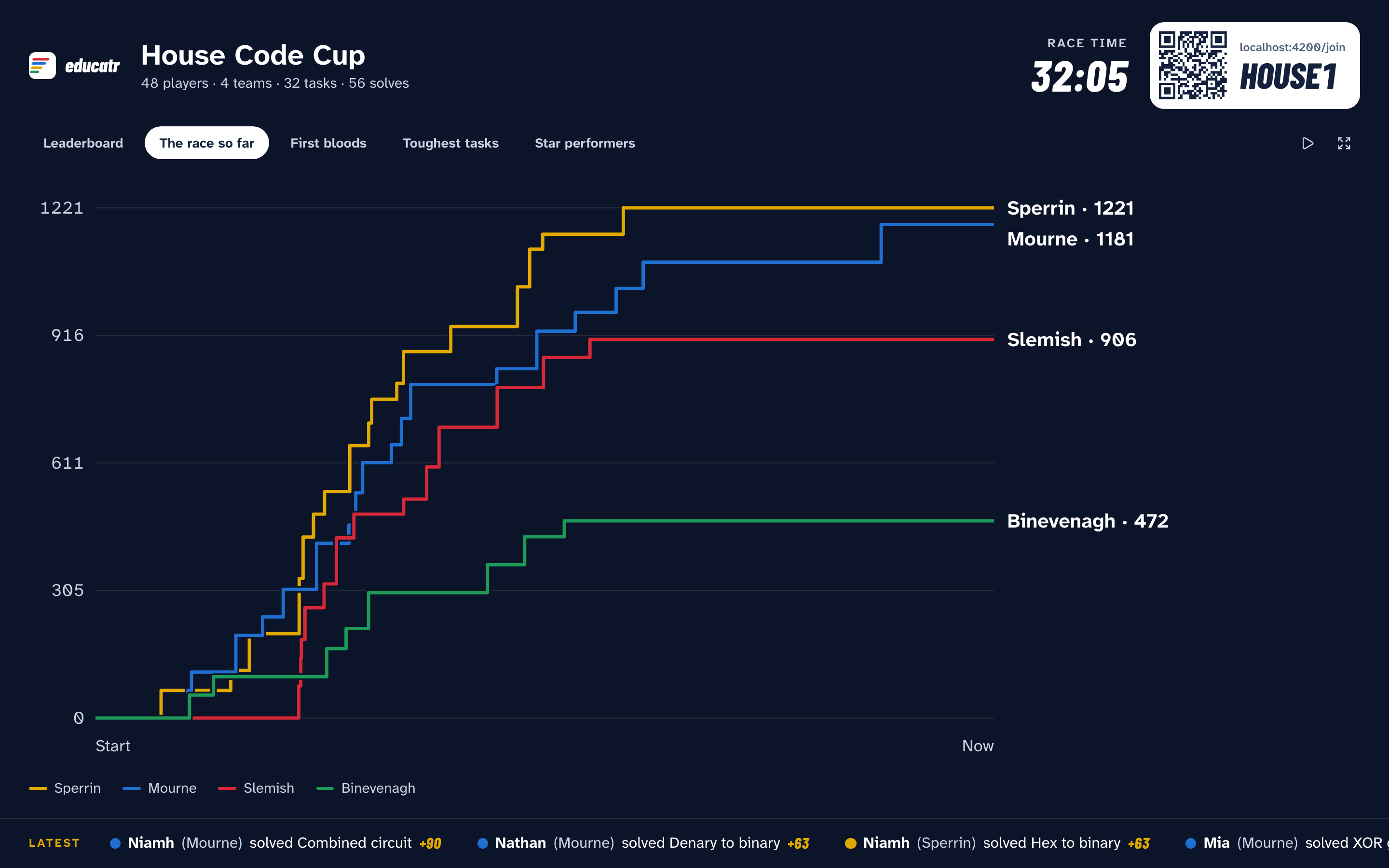
A house league all year
Make each competition a round of the House League and the table adds itself up. Share it by link for the school website or the assembly screen.
- Placings or total points
- Each house keeps its line
- A public table, no sign-in
Ways to run it
The formats house competitions use most, shown working with our demo data.
The Arena
A capture-the-flag style race between teams, with the leaderboard, race chart and star performers on the whiteboard.
How it worksTeam play
What pupils see in a competition: the task board, instant marking and their teammates' solves arriving in real time.
How it worksBlitz quizzes
Quick-fire quiz rounds with code snippets, on the board and on every pupil's device. Faster right answers score more.
How it worksKing of the Hill
Every task is a hill. Solve it to capture it, then keep scoring for every minute you hold it, until another team takes it from you.
How it worksRelays
Tasks become legs of a race. Each leg unlocks when the team finishes the one before, and the baton passes to the next teammate.
How it worksCountdowns and pair roles
Give a competition a countdown, freeze the leaderboard for a tense finish, and have pairs swap between driver and navigator on a timer.
How it worksBattle Royale quizzes
A Blitz quiz where one wrong answer knocks you out. Pupils who are out stay and watch, and the last one standing wins.
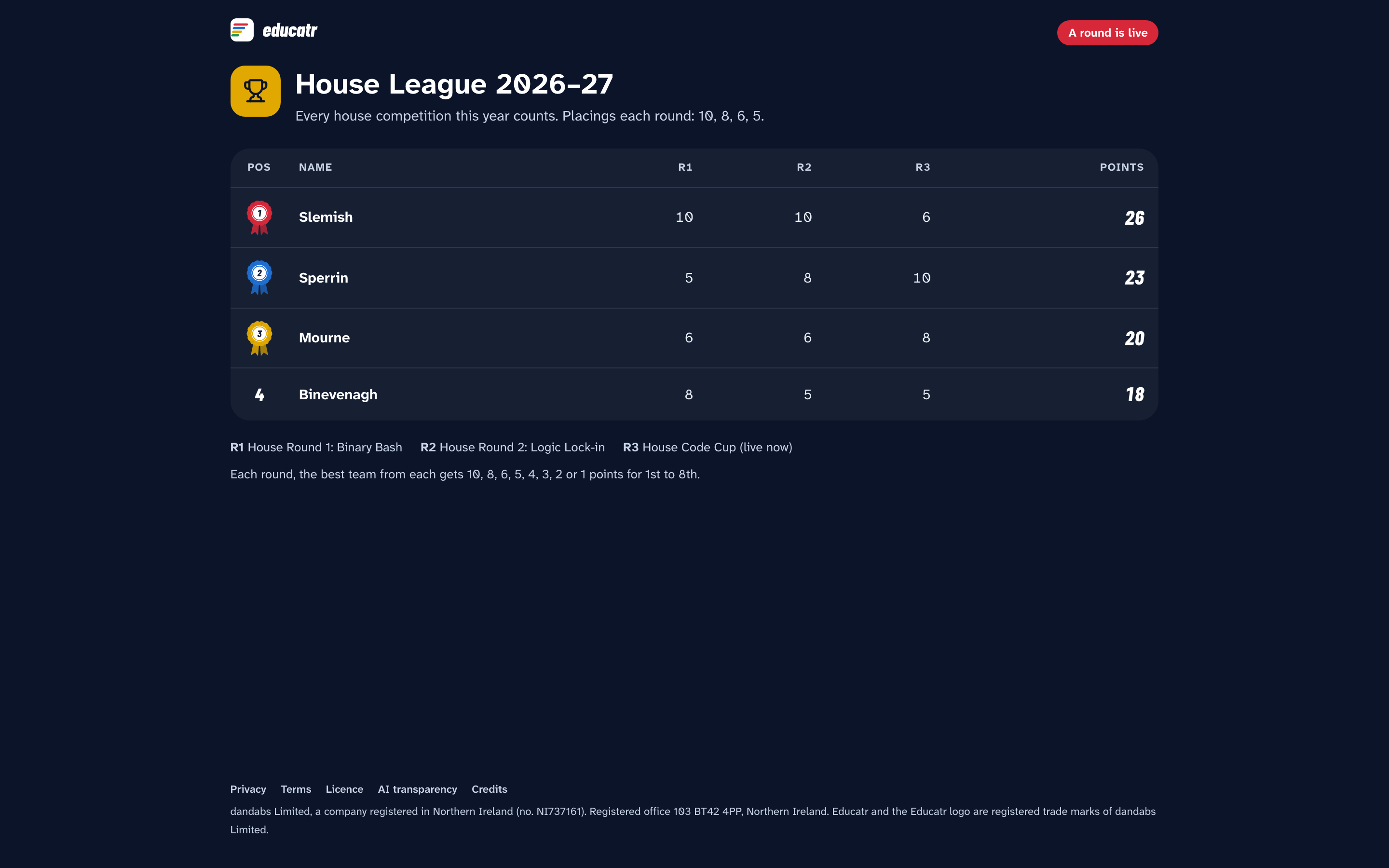
How it worksLeagues
One table across several competitions: a house cup over the year, a termly inter-form league, or an inter-school league with a round each half term.
How it worksLogic Lab
Complete truth tables for logic circuits by flipping outputs, marked the moment pupils submit.
How it works
Everything in one guide
This page shows the highlights. The guide has every feature, a worked example, prices, safety and data protection, and answers to the questions people ask, in a PDF of 14pages you can share with colleagues.
Download the PDF (2.3 MB)Included in every school licence.
See school pricingEducatr is also used by
Screenshots show fictional organisations with illustrative data.