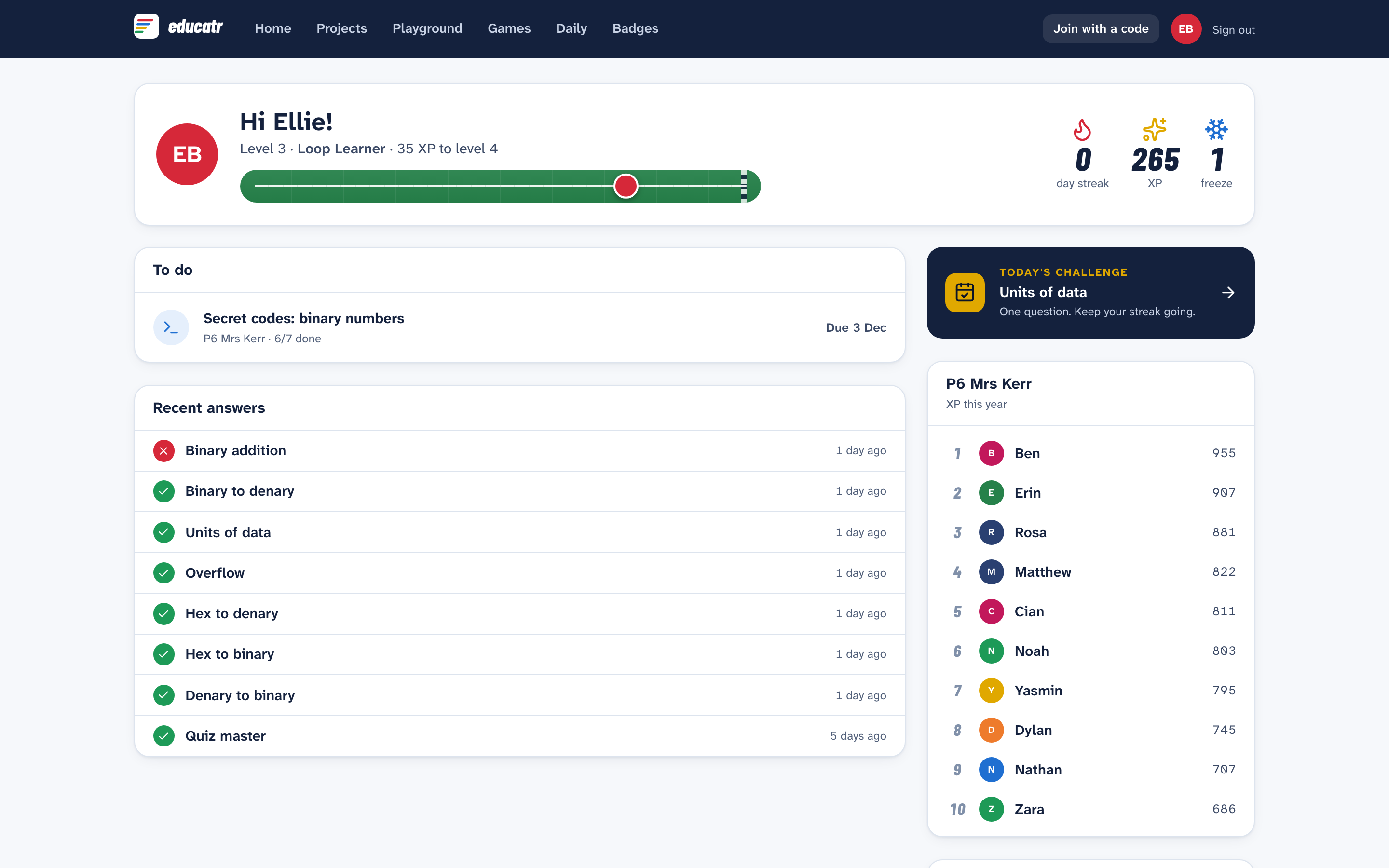
Signing in that P5 can manage
Print PIN cards for the class. Pupils type the class code and their six-digit PIN on any device, including tablets.
- No pupil emails or passwords
- Reprint a card in seconds
- Works on C2k and shared devices
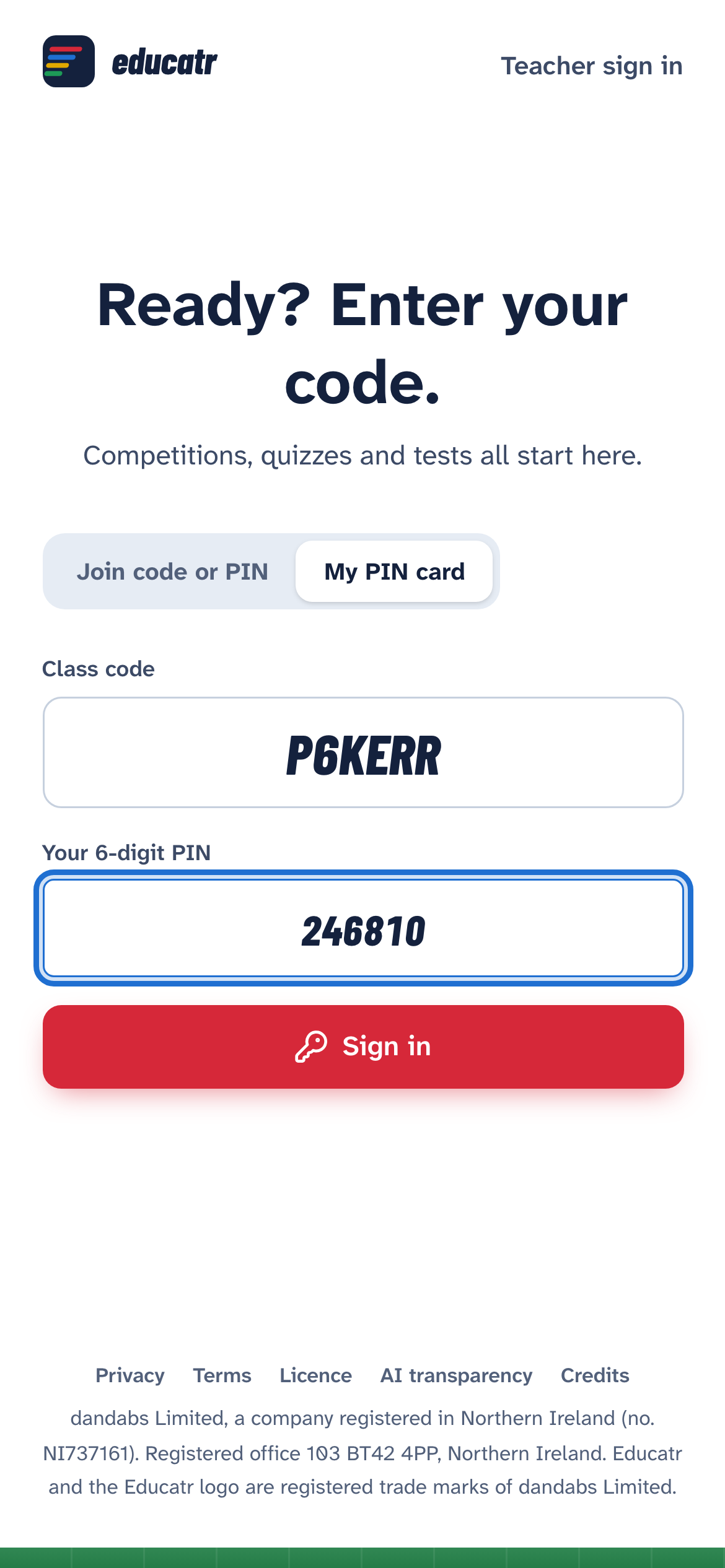
Code Quest and Scratch Quests
Pupils steer a robot with blocks or Python-like commands, beating monsters and collecting coins as they earn stars level by level. Scratch projects upload straight from Scratch and are checked against your rubric.
- 48 Code Quest levels in eight worlds
- Scratch .sb3 upload with a readable view
- Stars, badges and streaks
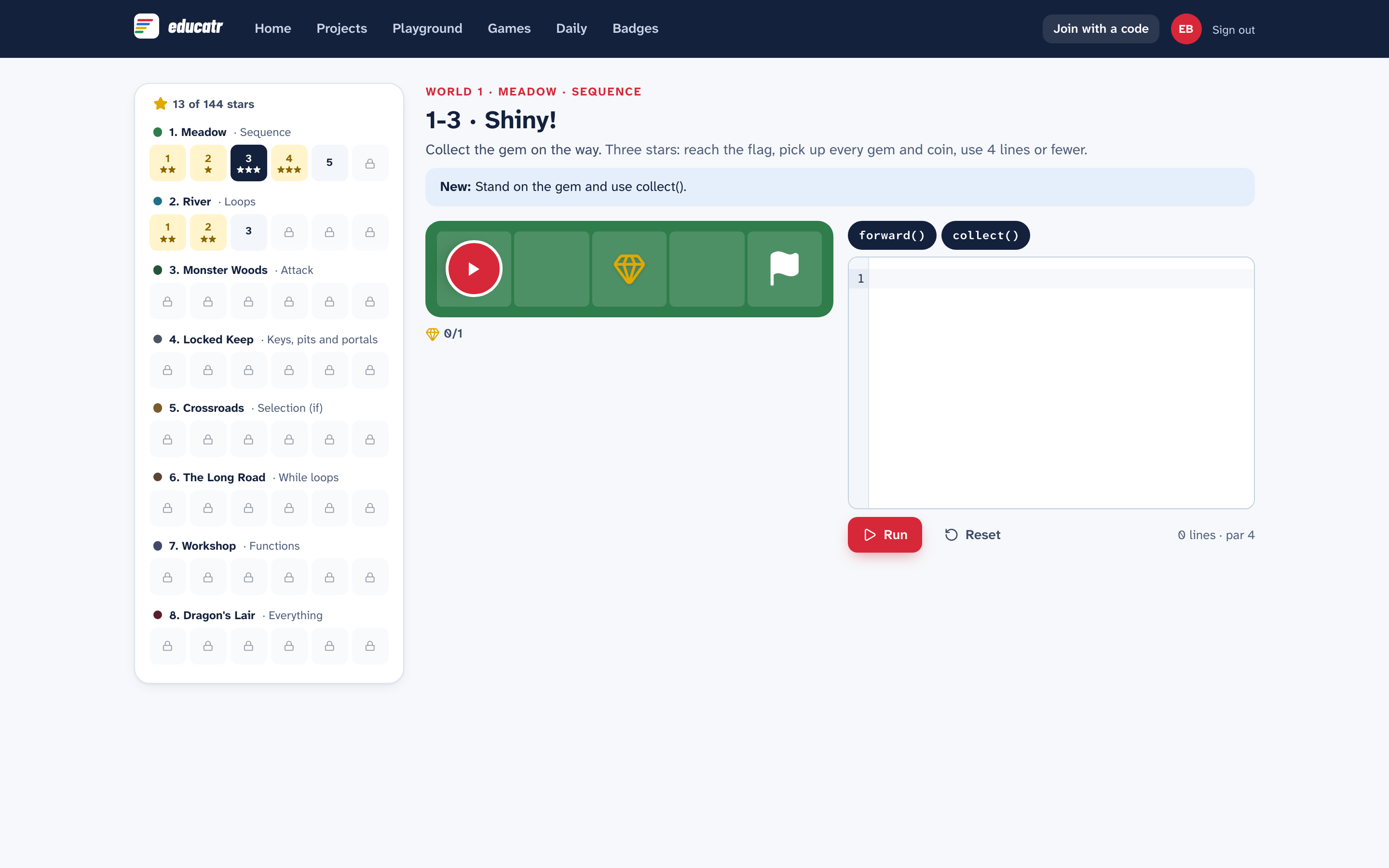
See the whole class at a glance
Every task is marked automatically. The results grid shows who has finished, who's stuck and which question tripped everyone up.
- Results per pupil and per question
- Override any mark
- Class roster with PIN cards
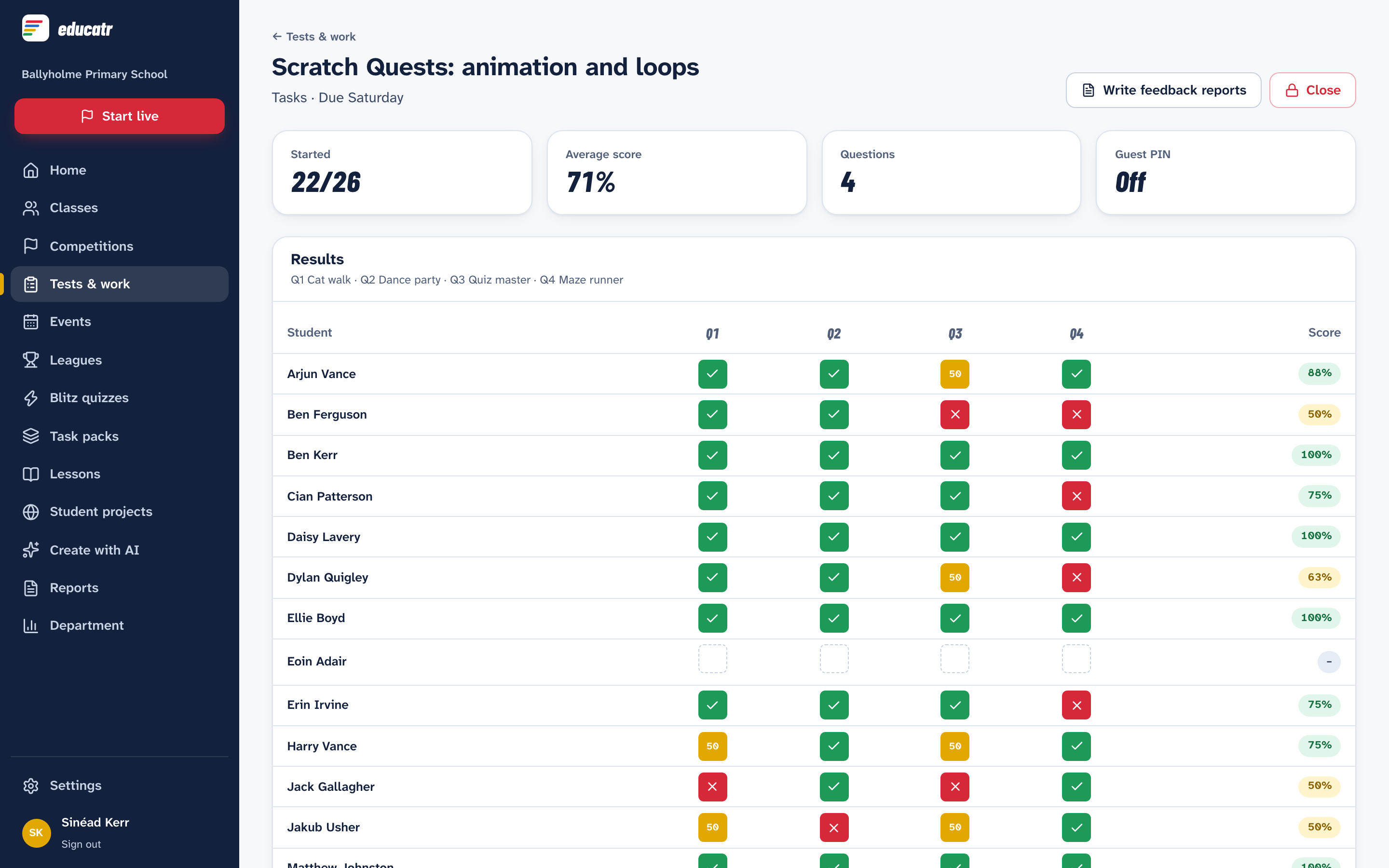
Ways to run it
The formats primary schools use most, shown working with our demo data.
The Arena
A capture-the-flag style race between teams, with the leaderboard, race chart and star performers on the whiteboard.
How it worksTeam play
What pupils see in a competition: the task board, instant marking and their teammates' solves arriving in real time.
How it worksBlitz quizzes
Quick-fire quiz rounds with code snippets, on the board and on every pupil's device. Faster right answers score more.
How it worksRelays
Tasks become legs of a race. Each leg unlocks when the team finishes the one before, and the baton passes to the next teammate.
How it worksBattle Royale quizzes
A Blitz quiz where one wrong answer knocks you out. Pupils who are out stay and watch, and the last one standing wins.
How it worksCode Quest
Steer a robot through 48 levels in eight worlds, fighting monsters and bosses, grabbing coins and keys, and learning loops, if, while and functions on the way.
How it worksLogic Lab
Complete truth tables for logic circuits by flipping outputs, marked the moment pupils submit.
How it worksDaily challenge
One question a day, the same for everyone, with a streak for every day in a row. A two-minute habit that keeps computing ticking over.
How it worksTimed tests
One question at a time on a server clock, per question or for the whole test, marked the moment each answer goes in.
How it works
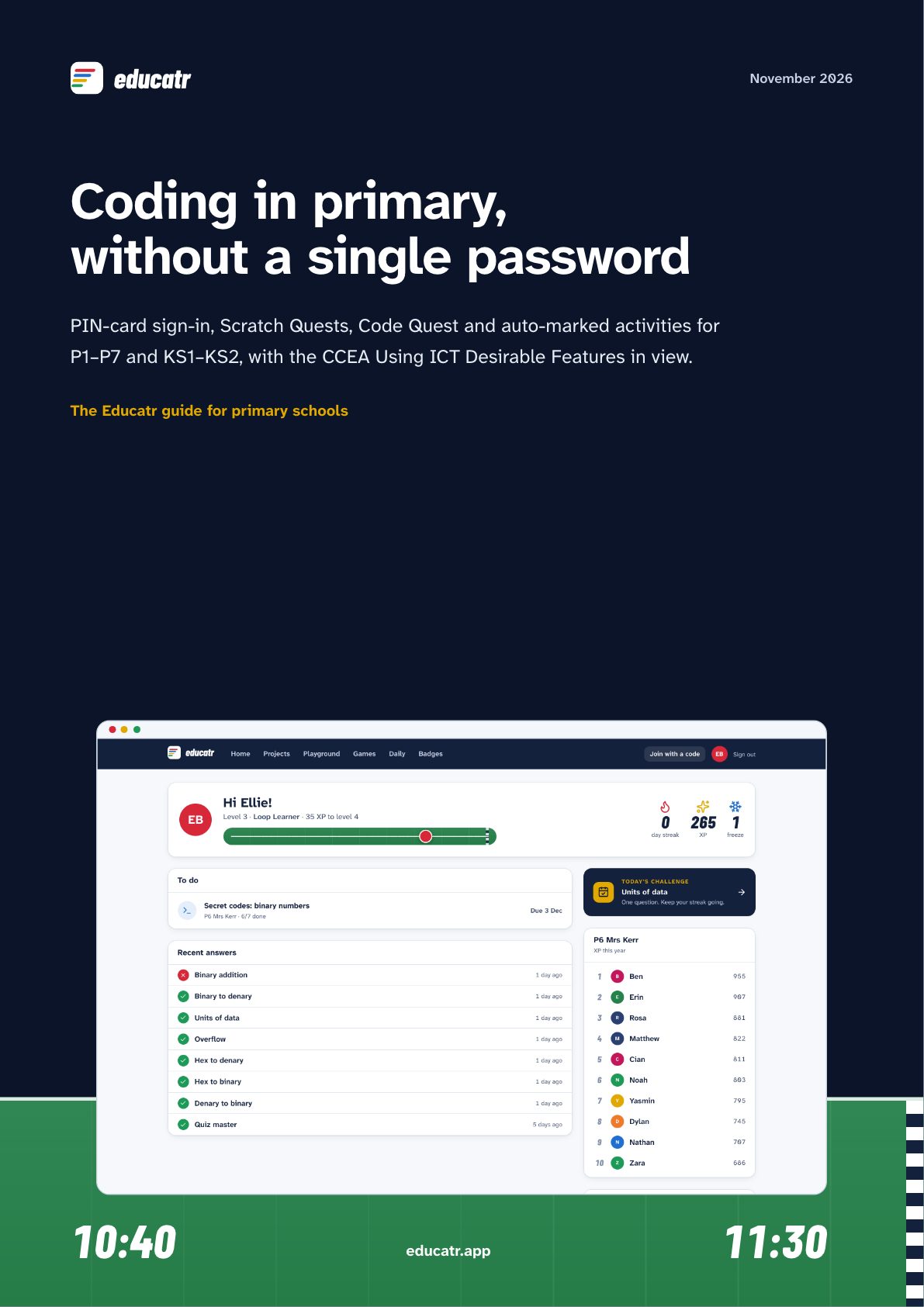
Everything in one guide
This page shows the highlights. The guide has every feature, a worked example, prices, safety and data protection, and answers to the questions people ask, in a PDF of 14pages you can share with colleagues.
Download the PDF (2.3 MB)Free for one class of 35. Whole-school licences are priced per pupil.
See school pricingEducatr is also used by
Screenshots show fictional organisations with illustrative data.