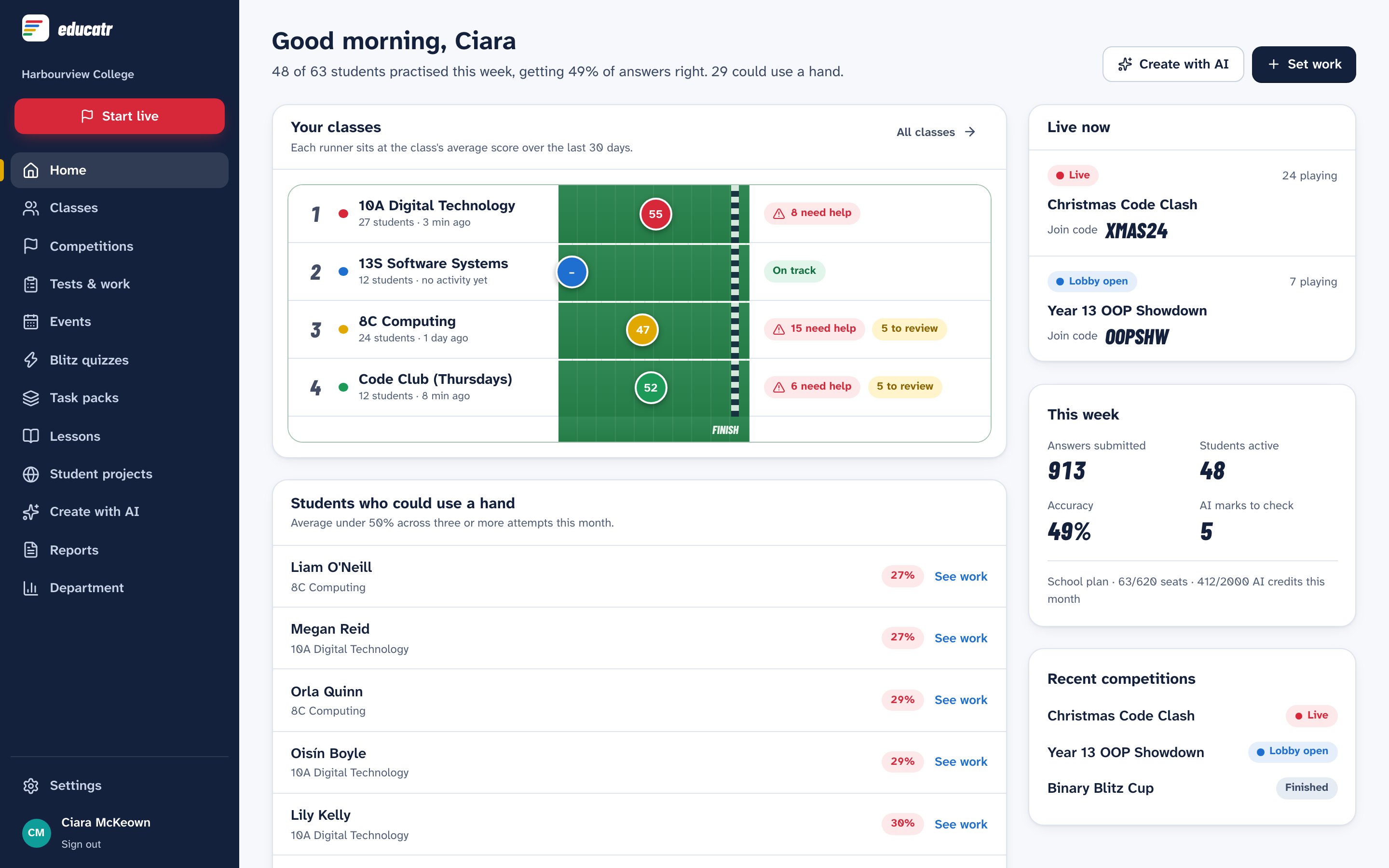
A project space for every pupil
Pupils build websites with a live preview and save programs with several files. A lesson can start a project that opens beside it, so nobody loses their work between lessons.
- HTML, CSS and JavaScript with a live preview
- Pictures shrunk automatically before upload
- Python turtle drawings in the browser
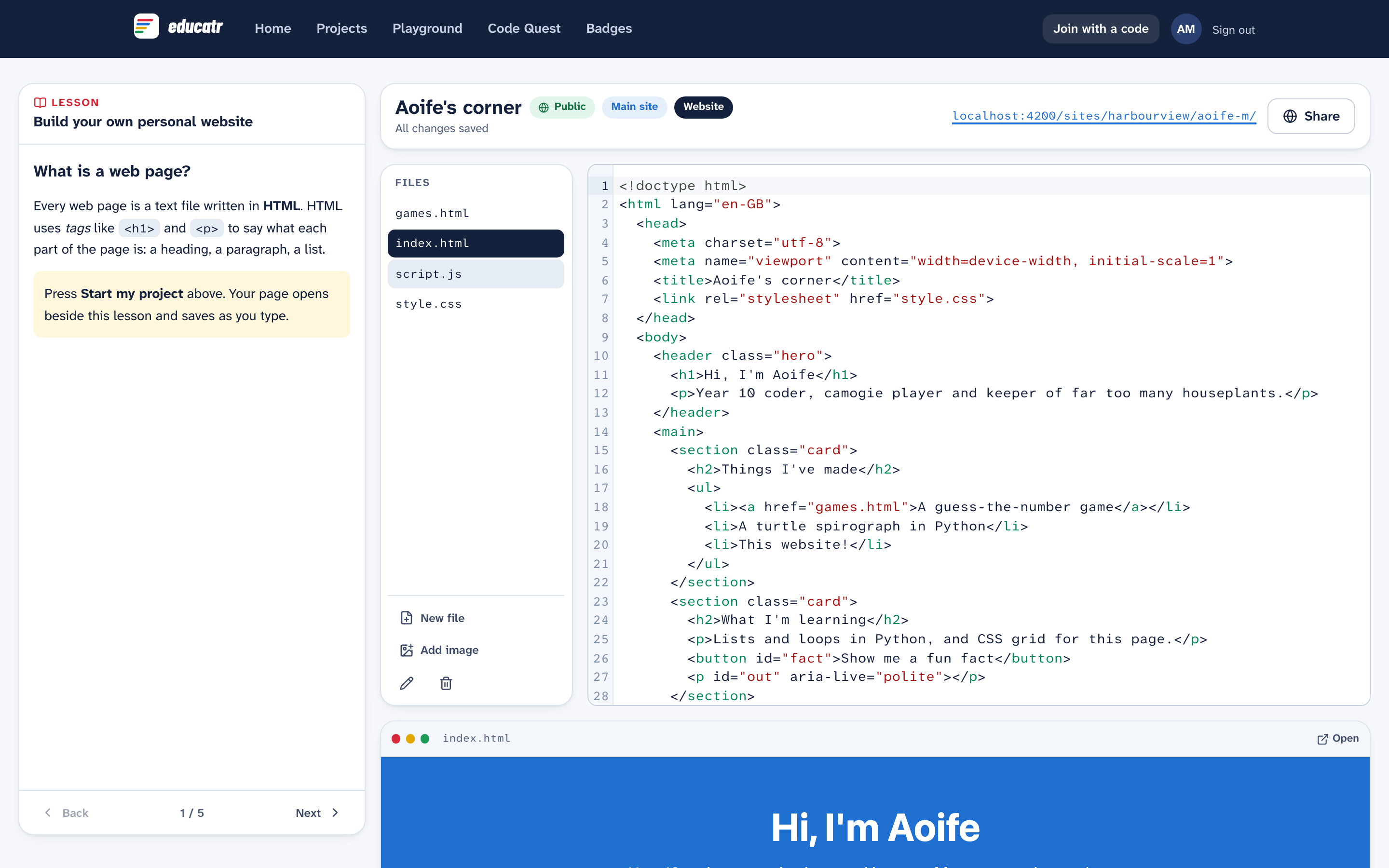
Share it with a link
When a pupil is proud of a site they can publish it at their own address, which anyone can open without signing in. You can see every public site and take one down with a click.
- Address uses first name and initial only
- Safety checklist before publishing
- Switch public sharing off for the school
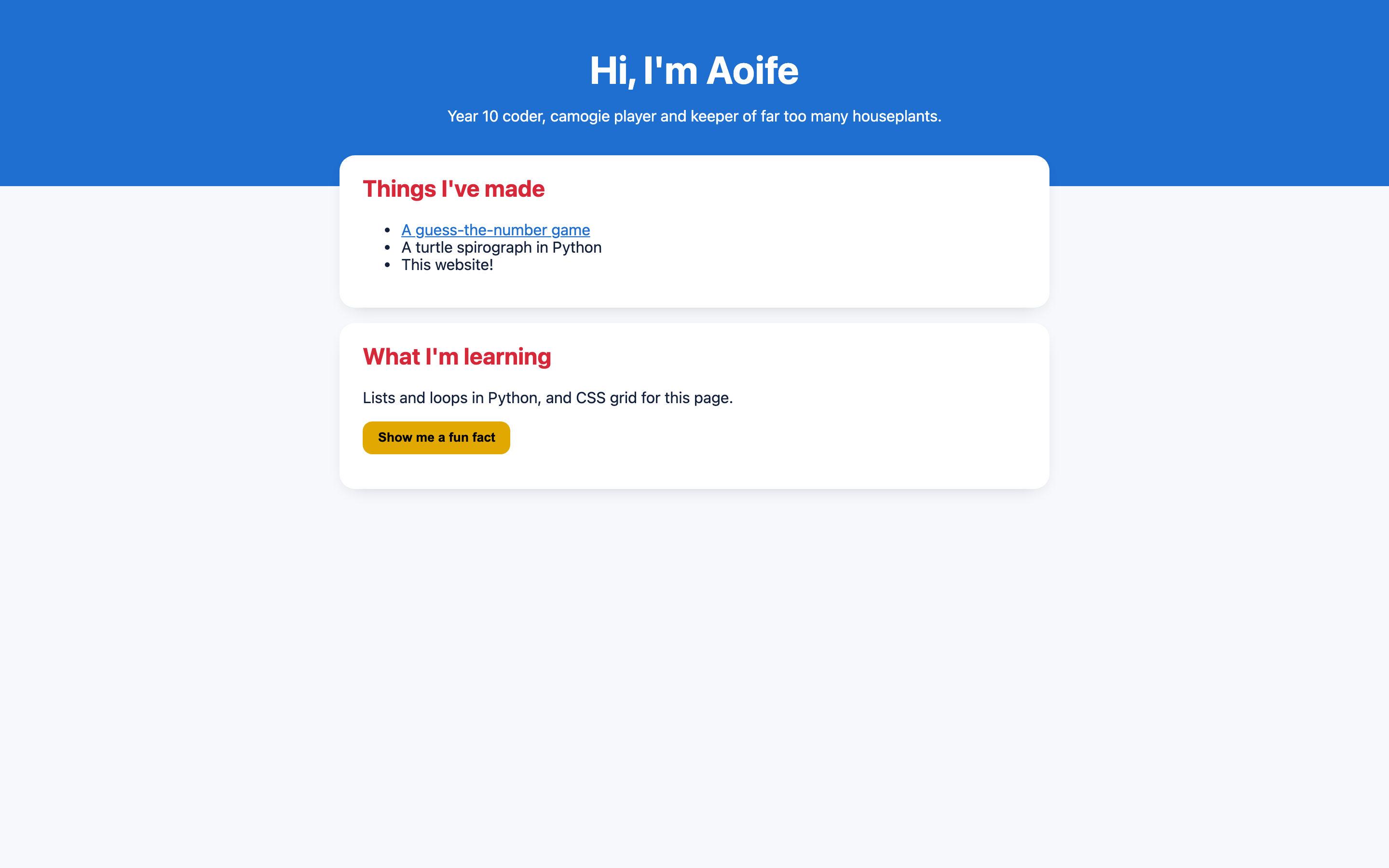
Turtle graphics, without installing anything
Programs that import turtle draw in a window right next to the code, even on Chromebooks.
- Loops and patterns made visible
- Terminal with program input
- Code saved as they type
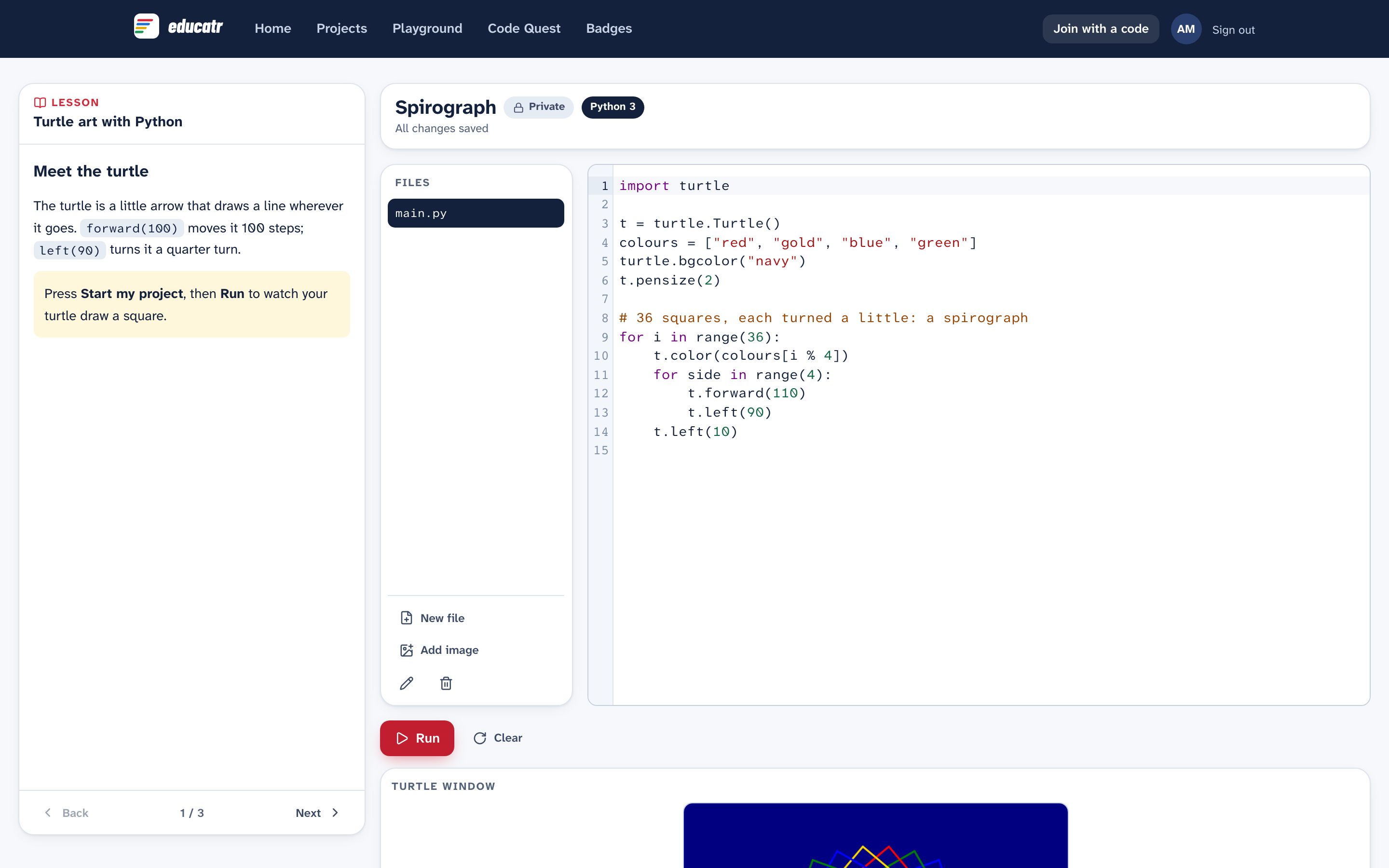
Competitions the class talks about all week
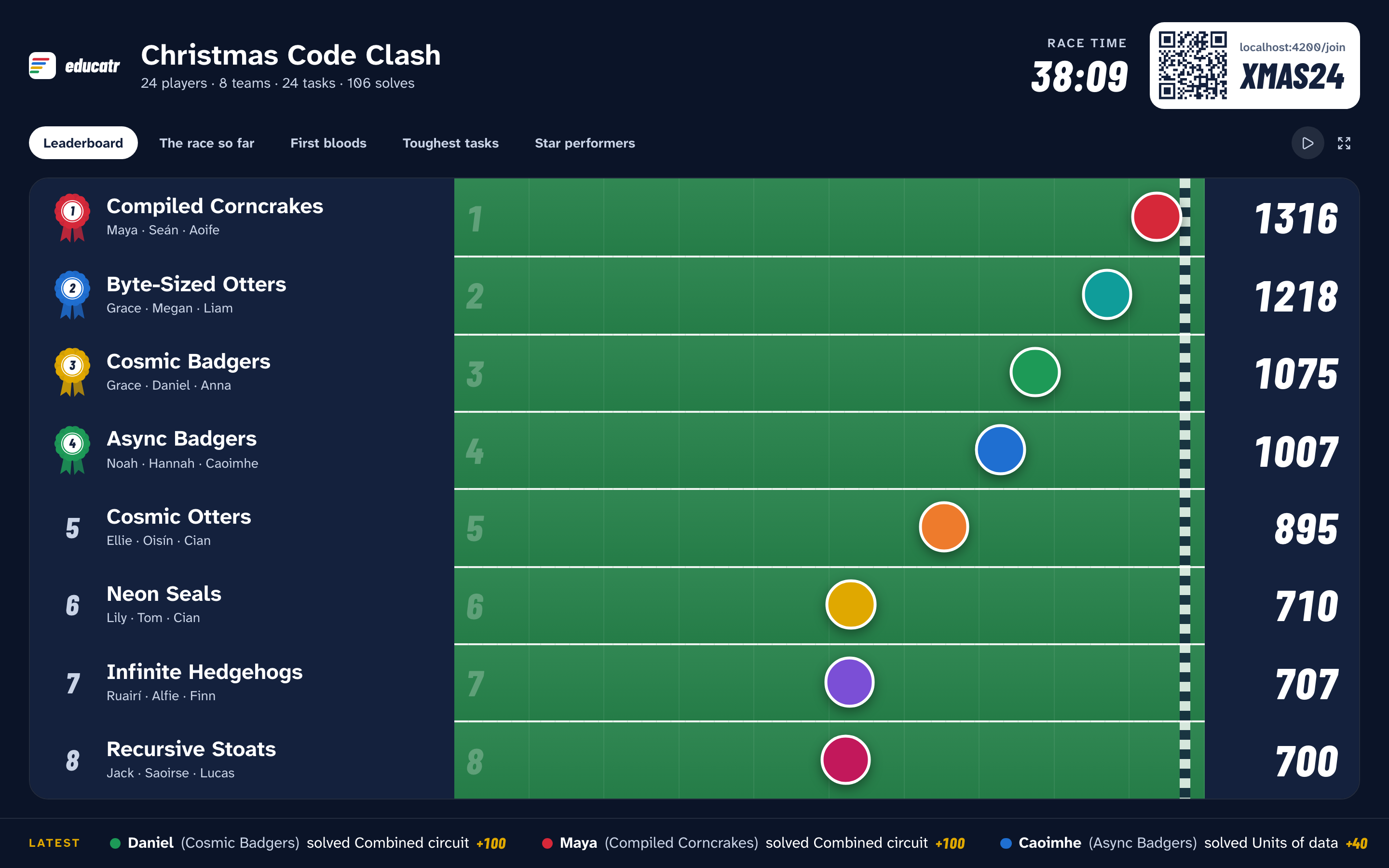
Pick some task packs, open the lobby and put the arena on the whiteboard. Teams race, the leaderboard moves, and you get feedback reports when it ends.
- Speed CTF with teams
- Arena screen for the projector
- Feedback reports for every pupil
Ways to run it
The formats secondary schools use most, shown working with our demo data.
The Arena
A capture-the-flag style race between teams, with the leaderboard, race chart and star performers on the whiteboard.
How it worksTeam play
What pupils see in a competition: the task board, instant marking and their teammates' solves arriving in real time.
How it worksBlitz quizzes
Quick-fire quiz rounds with code snippets, on the board and on every pupil's device. Faster right answers score more.
How it worksKing of the Hill
Every task is a hill. Solve it to capture it, then keep scoring for every minute you hold it, until another team takes it from you.
How it worksRelays
Tasks become legs of a race. Each leg unlocks when the team finishes the one before, and the baton passes to the next teammate.
How it worksCountdowns and pair roles
Give a competition a countdown, freeze the leaderboard for a tense finish, and have pairs swap between driver and navigator on a timer.
How it worksBattle Royale quizzes
A Blitz quiz where one wrong answer knocks you out. Pupils who are out stay and watch, and the last one standing wins.
How it worksLeagues
One table across several competitions: a house cup over the year, a termly inter-form league, or an inter-school league with a round each half term.
How it worksCode Quest
Steer a robot through 48 levels in eight worlds, fighting monsters and bosses, grabbing coins and keys, and learning loops, if, while and functions on the way.
How it worksLogic Lab
Complete truth tables for logic circuits by flipping outputs, marked the moment pupils submit.
How it worksBinary Blitz
Sixty seconds of binary, denary and hexadecimal conversions. Streaks score more, and hex joins in once pupils get five in a row.
How it worksBug Hunt
Short programs with one bug each, in every language Educatr runs, from Python and OCR pseudocode to C#, Java and Rust. Click the line with the bug, choose the fix, and see why it was wrong.
How it worksCode Golf
Make the program work in as few characters as possible. Every swing runs against the hole's tests, and beating par earns a rosette.
How it worksDaily challenge
One question a day, the same for everyone, with a streak for every day in a row. A two-minute habit that keeps computing ticking over.
How it worksLessons with checkpoints
Step-by-step lessons with code examples pupils can run, tips, exam tips and checkpoint questions marked as they go.
How it worksPseudocode and trace tables
OCR's Exam Reference Language runs exactly as printed on the paper, and the trace table fills itself in.
How it worksTimed tests
One question at a time on a server clock, per question or for the whole test, marked the moment each answer goes in.
How it worksWebsite projects
Pupils build real websites with a live preview beside their code, and can share them with a link when they're proud of them.
How it worksTurtle art and code projects
Programs in any of fourteen languages saved as projects; Python turtle programs draw in a window beside the code.
How it works
Everything in one guide
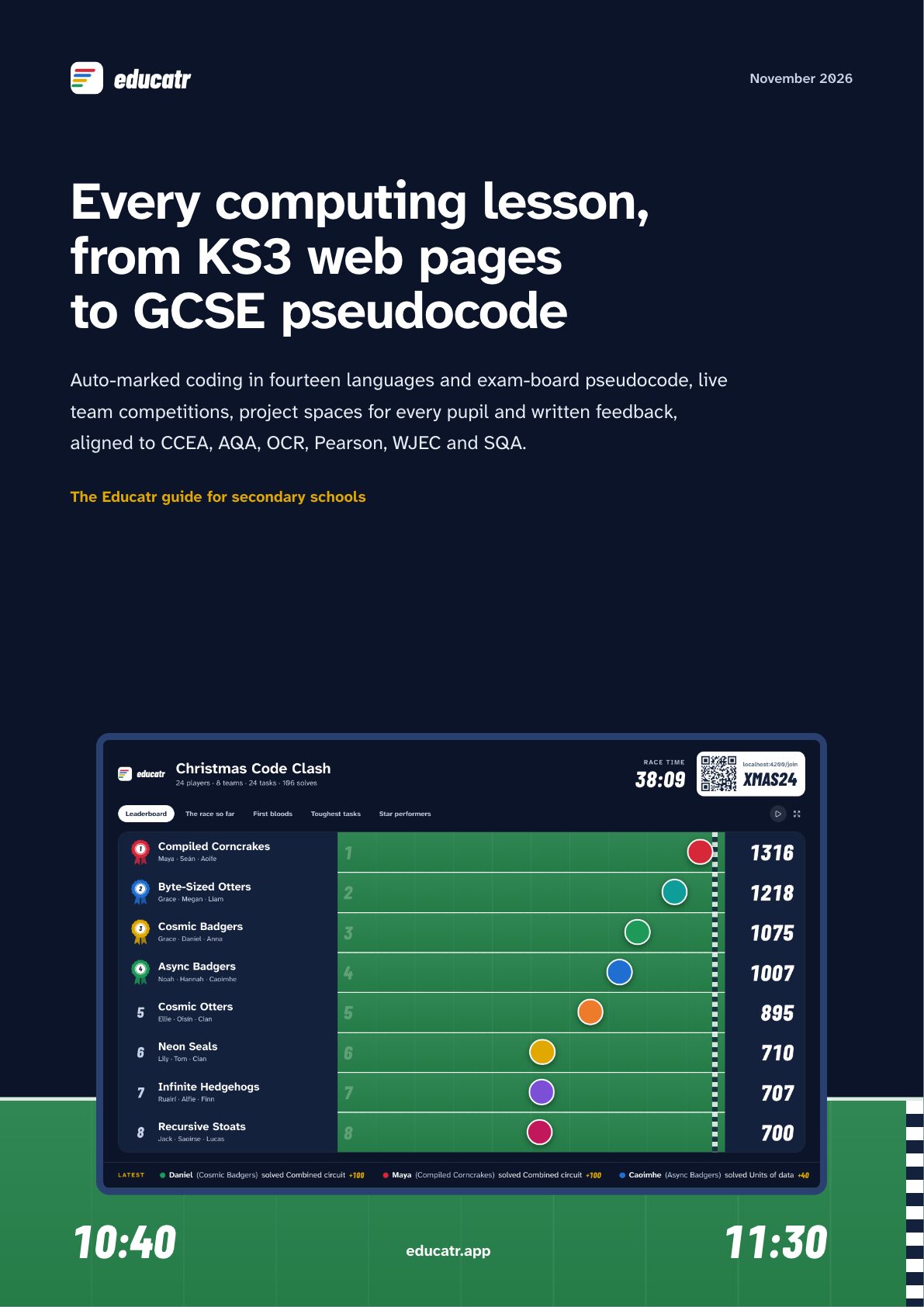
This page shows the highlights. The guide has every feature, a worked example, prices, safety and data protection, and answers to the questions people ask, in a PDF of 17pages you can share with colleagues.
Download the PDF (4.4 MB)Free for one class. Department licences are priced per pupil, teachers free.
See school pricingEducatr is also used by
Screenshots show fictional organisations with illustrative data.